
Make the next visit feel personal.
Keep purchases, preferences and conversations in one customer view. Help your store team pick up where the last visit left off.
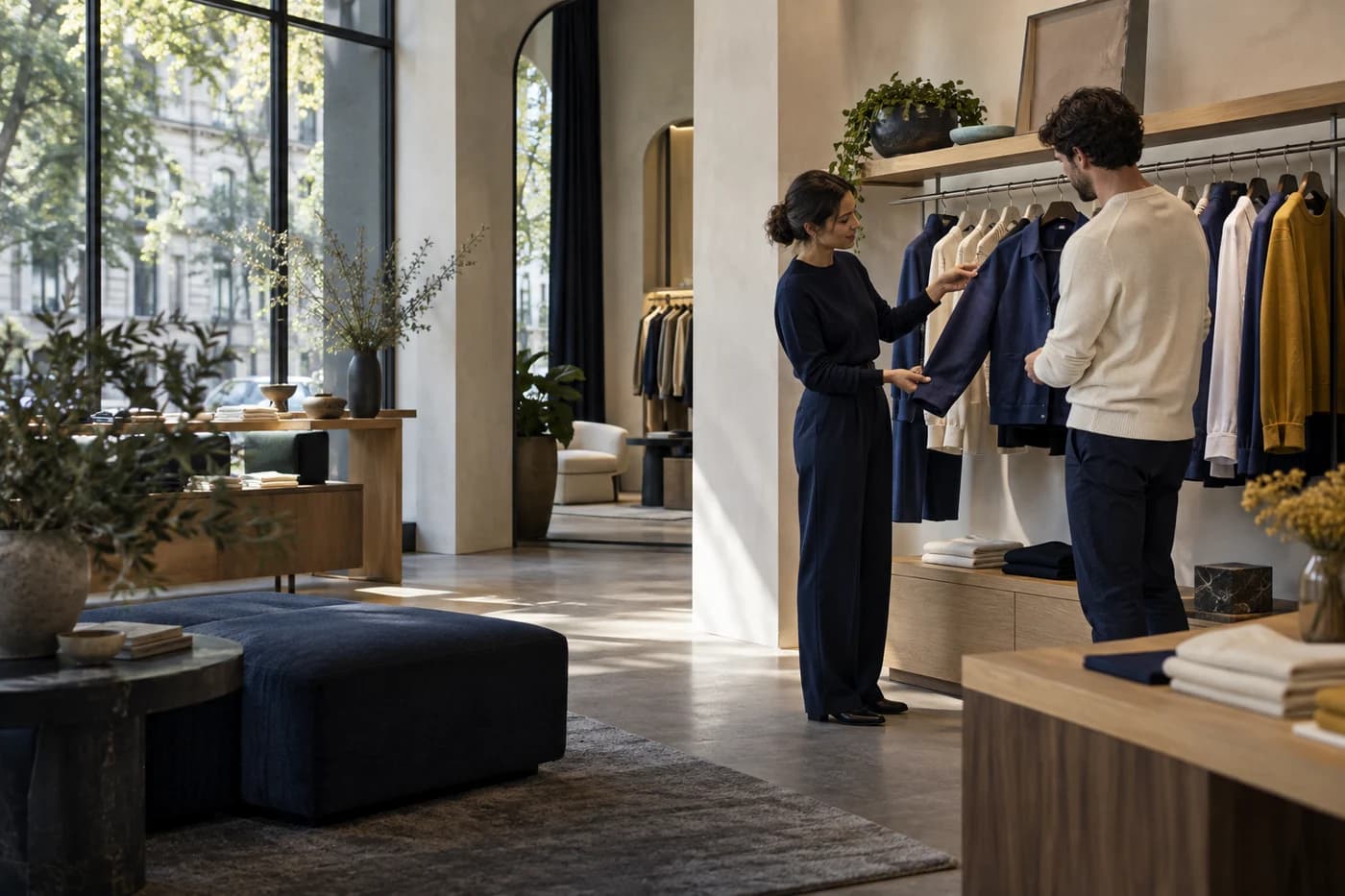
Remember the person behind the purchase
Bring customer history from connected store and online systems into the same record. Review the connections your business needs during setup.
- Purchase history and customer preferences
- Customer activity across connected channels
- Views for store teams and managers
Give customers a reason to return
Plan loyalty and follow-up campaigns around purchase history. Keep the customer’s preferences in view when deciding what to send.
- Loyalty rules shaped around your programme
- Follow-up groups based on purchase activity
- Campaign and offer response reporting
Keep your stores and customer team connected
POS connections
Review the point-of-sale systems and order data you want to connect.
Customer messages
Keep service conversations and follow-ups connected to customer records.
Customer segments
Group customers by purchase history and preferences.
Store and campaign reporting
Review activity and campaign responses by store or customer group.
Store-team tasks
Assign callbacks and customer follow-ups to the responsible team.
Communication preferences
Record customer preferences so your team can consider them before sending a message.
Questions retail teams ask
It brings customer purchase history, preferences, service conversations, store follow-ups and loyalty campaign planning into one customer view.
Core PearlCRM manages customers, tasks and reporting. The Retail edition adapts that workspace for store activity, connected order data, customer segments and campaign response.
Expect to discuss your stores, point-of-sale data, online orders and communication preferences. The demo can show where those details would sit in PearlCRM.
See retail through your customer’s history
Talk through your stores, connected systems and customer follow-up process.
For store teams, retail chains and direct-to-consumer brands